 Yicai Machinery

1 / 2
| Parameter | Specification |
|---|---|
| Model | ECI-VC450 |
| Print color number | 1 |
| Printing surface | Convex Surface |
| Printing material | Plastic / Paper / Glass |
| Degree of automation | Full-automatic |
| Printing area | 300mm * 450mm |
| Printing speed | 1200 - 1800 pcs/min |
| Substrate height | 10mm |
| Screen Frames | 350mm * 600mm |
| Voltage | 220V |
| Weight | 450 kg |
| Dimension | 1600mm * 2000mm * 1900mm |
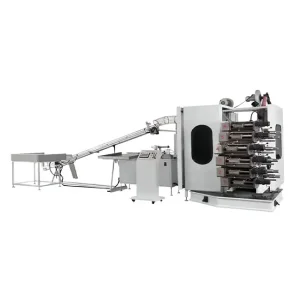
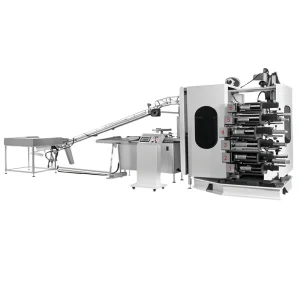
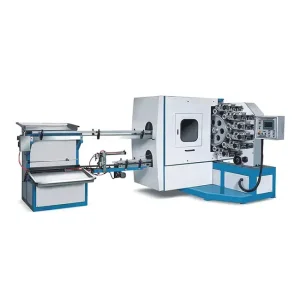
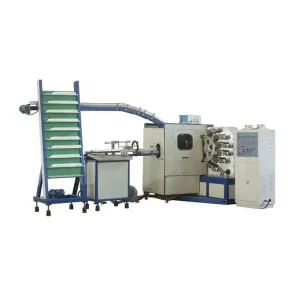
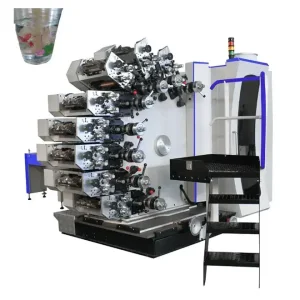
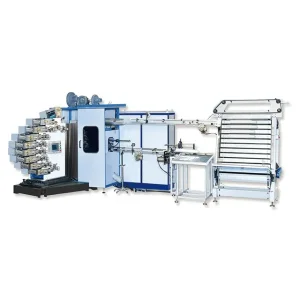
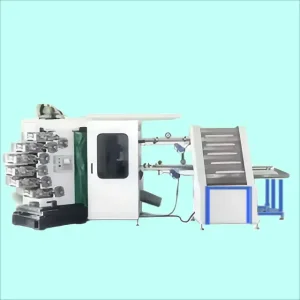
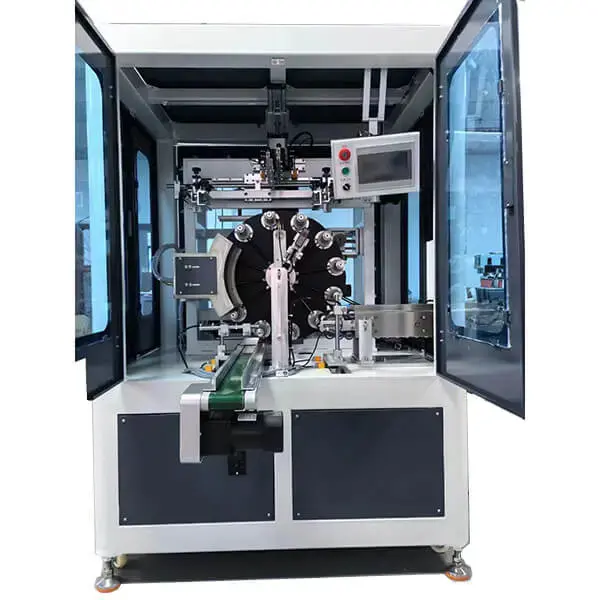
Vertical Rotary Screen Printing Machine: Key Advantages
The vertical configuration of the printing table and turntable ensures a seamless printing process, facilitating easy operation and real-time monitoring, thereby boosting overall printing efficiency.
Equipped with an advanced control system and a precision-engineered mechanical structure, the machine enables automatic control and fine-tuning of printing parameters, ensuring consistent, high-quality, and precise printing results.
The machine features a comprehensive screen printing system, including a screen frame, screen tensioning system, and printing squeegee, which work together to evenly distribute ink onto the surface of various items.
The vertical rotary screen printing machine is designed to handle a wide range of materials and shapes, including flat, curved, and cylindrical surfaces, making it highly adaptable for diverse printing needs.
With its intuitive design, the machine is easy to operate and quick to master, significantly reducing the time and cost associated with operator training.
The robust mechanical structure ensures stable and consistent performance, allowing the machine to operate continuously over extended periods with minimal downtime.
Many models come with automated features such as loading, unloading, and cleaning systems, which enhance production efficiency and reduce reliance on manual labor, thereby lowering operational costs.
Safety is prioritized with the inclusion of protective features like emergency stop buttons and protective covers, ensuring a secure working environment for operators.
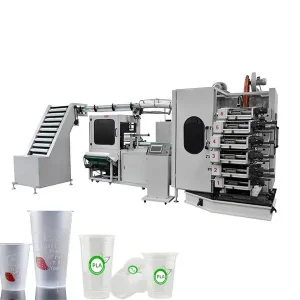
The vertical rotary screen printing machine is ideal for printing on various packaging materials, including paper cups, plastic cups, and glass containers, allowing for the application of logos, patterns, or text.
This machine is well-suited for printing logos, patterns, or text on electronic product casings, panels, and circuit boards, enhancing product identification and branding.
The vertical rotary screen printing machine can be utilized to print designs, logos, or text on toy products, thereby improving their visual appeal and marketability.
It is effective for printing decorative patterns or signage on building materials such as glass, metal sheets, and ceramics, adding aesthetic value to architectural elements.
This machine is suitable for printing patterns or text on household items like furniture, tableware, and decorative pieces, enhancing their visual and functional appeal.
The vertical rotary screen printing machine can be used to produce advertising signs, promotional materials, and display products, boosting advertising effectiveness and reinforcing brand identity.
First, ensure that the vertical rotary press is connected to a power source. Check that all parts of the machine are functioning properly and confirm that consumables such as ink and printing materials are adequately stocked.
Based on the printing requirements, set parameters such as printing speed, tension, and pressure to ensure optimal print quality.
Use the machine's positioning system to ensure the printing position is accurate and to avoid any misalignment during the printing process.
Depending on the material and thickness of the print, adjust the pressure of the printing head to ensure clear and precise printing results.
Add ink to the ink cartridge and adjust the ink concentration and color to meet the desired printing standards.
Place the object to be printed on the printing table, start the machine, and begin the printing process. Monitor the printing operation closely and make necessary parameter adjustments to maintain print quality.
Once printing is complete, stop the machine and clean it thoroughly. Pay special attention to cleaning the printing head, ink pipes, and other components to keep the machine in good condition.
Turn off the machine's power, organize the work area, and return the machine to its standby state.